top of page

HOW TO UPDATE YOUR PROFILE
Follow these steps to manage you personalized smart business cards

Access your profile
Touch your smart business card to you phone to access your personal profile.
You can also share the URL to your desktop to view and edit your profile on a larger screen.
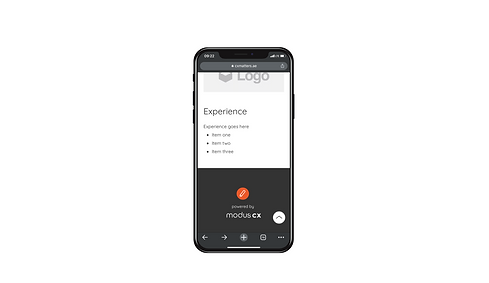
Press the edit button
Scroll to the bottom of the page and find the orange button with a pencil icon - the edit button.
On desktop you will find it in the bottom right corner of your screen.

Edit profile
You can edit all information on your profile.
Upload a new profile picture
Upload a new logo
Update your title
Update your contact information
Update your vcard
this is the contact that will be downloaded on to peoples phone when they press "save"
etc

bottom of page